
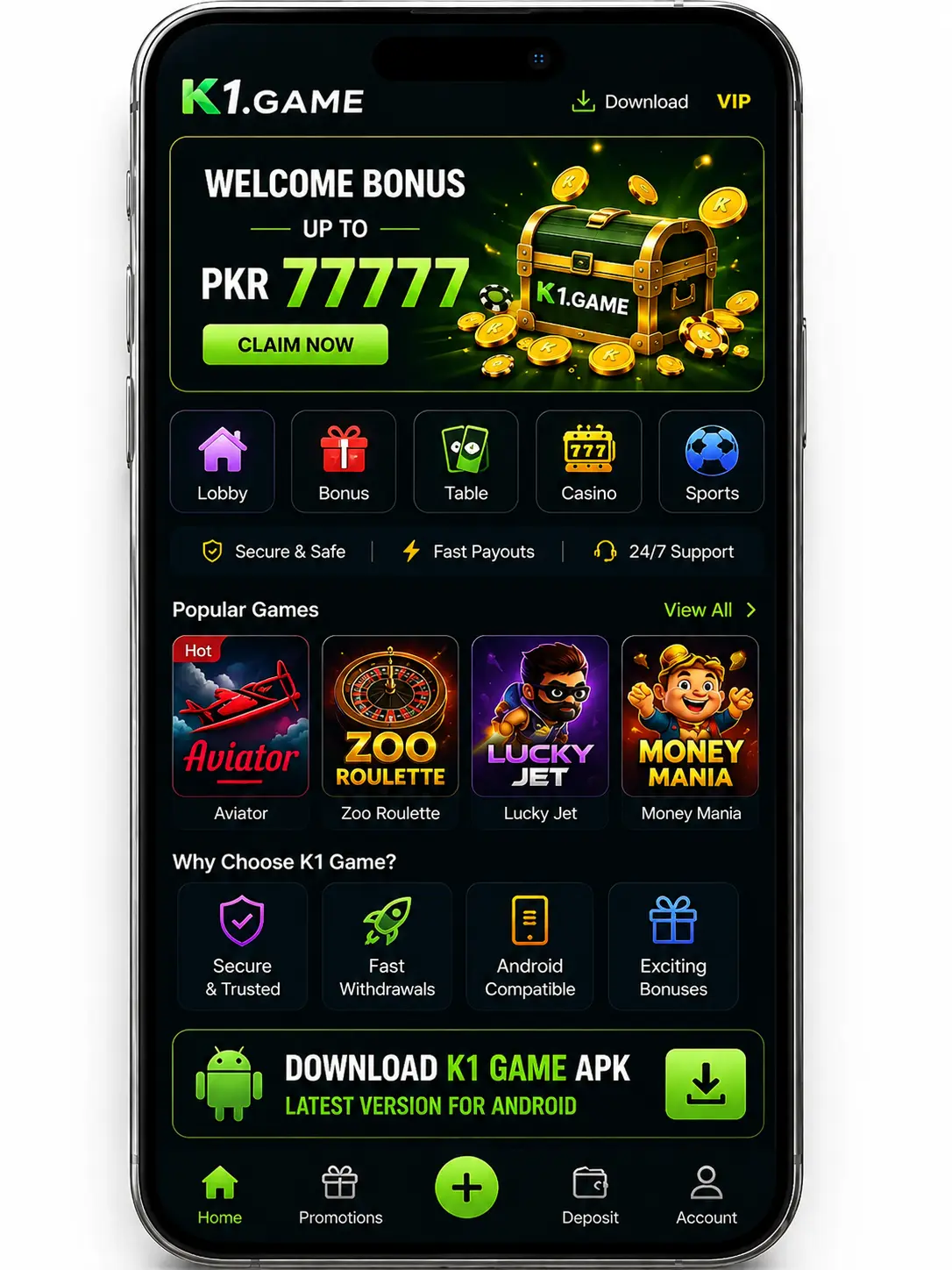
K1 Game APK Download Latest Version for Android
Download K1 Game APK for Android and explore slots, fishing, sports, and other gaming categories through a mobile interface that also supports Urdu navigation.
App Information
App Quick Information
K1 Game APK brings slots, fishing games, sports, and other gaming categories together in one Android application. Its interface also includes Urdu navigation, making key sections easier to identify for users in Pakistan.
App Name
K1.Game
Latest Version
0.7.58
APK Size
44 MB
Android Requirement
Android 8.0+
Updated
August 2026
Category
Casino Game
License
Free
K1 Game APK is an Android gaming application that brings several types of games together in one mobile platform. The interface includes slots, fishing games, sports, and other gaming options that users can browse through dedicated categories.
One noticeable part of K1 Game is its localized interface. Important navigation labels are available in Urdu, while game names and some other elements remain in English. This makes the main sections easier to recognize for users in Pakistan who prefer Urdu navigation.
The application also provides access to account registration, promotions, support, and profile-related functions from its main navigation. This guide explains the K1 Game interface, key features, screenshots, download and installation process, safety considerations, and common questions for Android users.
Table of Contents
Understanding K1 Game APK
K1 Game APK is the Android installation package used to install the K1.Game application outside the standard app-store installation process. The installed application we checked identifies itself as K1.Game version 0.7.58.
The home interface organizes games into different sections. From the actual application, we verified categories for slots, fishing games, and sports, along with a featured area displaying available titles.
Individual games visible in the application include Aviator, Lucky Gems Explosion, Lucky Gems 2, Chicken Coin, Fortune Tree, Pirate Flip, Wild Bounty Showdown, Tower Rush, StarHunter, Fishing, and Dragon Fortune. The available library may change as the platform updates its content.
K1 Game also includes navigation for registration, promotions/rewards, support, and profile functions. Because it is installed through an APK file, Android users should verify the download source and review requested permissions before installation.
Key Features
K1 Game APK combines multiple gaming categories with localized navigation and account-related tools. Its interface keeps games and commonly used sections within one Android application. Below are some of the main features verified from the app.
Multiple Game Categories
Browse different types of games without moving between separate applications. K1 Game APK includes slots, fishing games, sports, and other titles organized into dedicated sections.
Account Access
The application provides access to registration and profile-related functions from its main navigation. Users can access their account features without leaving the K1 Game interface.
Lightweight Installation
K1 Game can be installed on compatible Android devices through an APK file. Check available storage and review the downloaded file before starting a manual installation.
Urdu-Friendly Navigation
A distinctive feature of K1 Game is its Urdu interface navigation. Several important categories and navigation options appear in Urdu, making the application more accessible to users who prefer localized menus.
Android Compatibility
K1 Game is designed for Android devices. Compatibility can vary depending on the device and Android version, so users should check their device requirements before installation.
Simple Navigation
Games are arranged into recognizable categories, while important functions such as promotions, support, registration, and profile access are available through the main interface.
Looking for another Android gaming platform? Explore our complete guide to 388Win APK for its features, screenshots, download steps, and installation process.
K1 Game APK Screenshots
The screenshots below provide a closer look at the K1 Game APK interface. They help users understand the application’s layout, gaming categories, account functions, and navigation before installing it on an Android device.
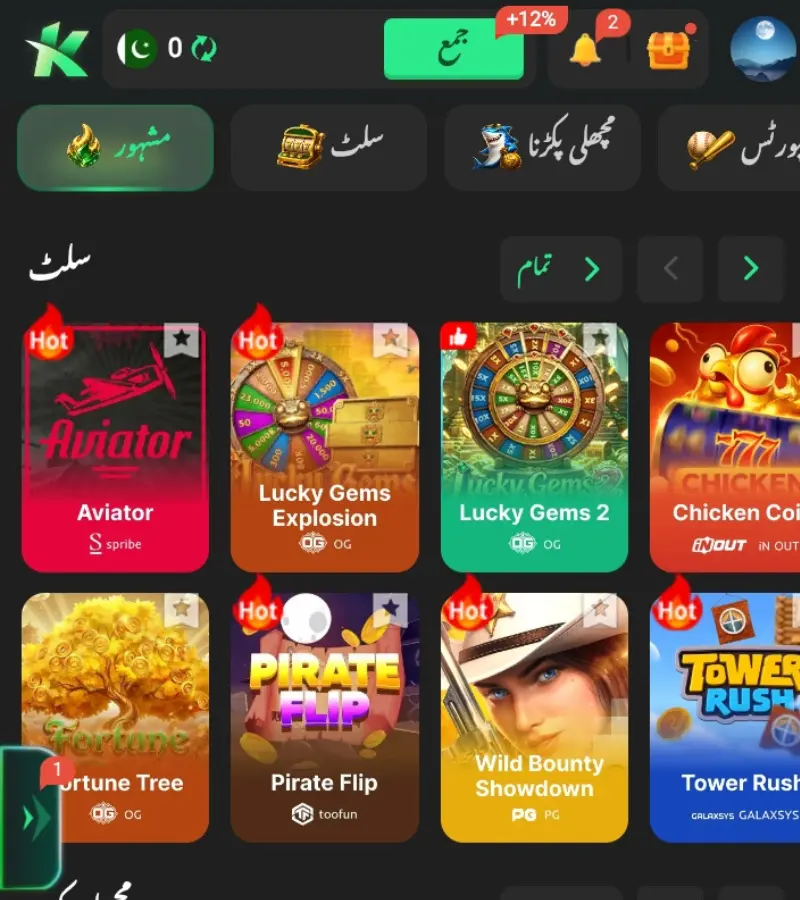
Main Dashboard
The K1 Game home screen displays featured games, gaming categories, and quick access to promotions, deposits, support, and profile.
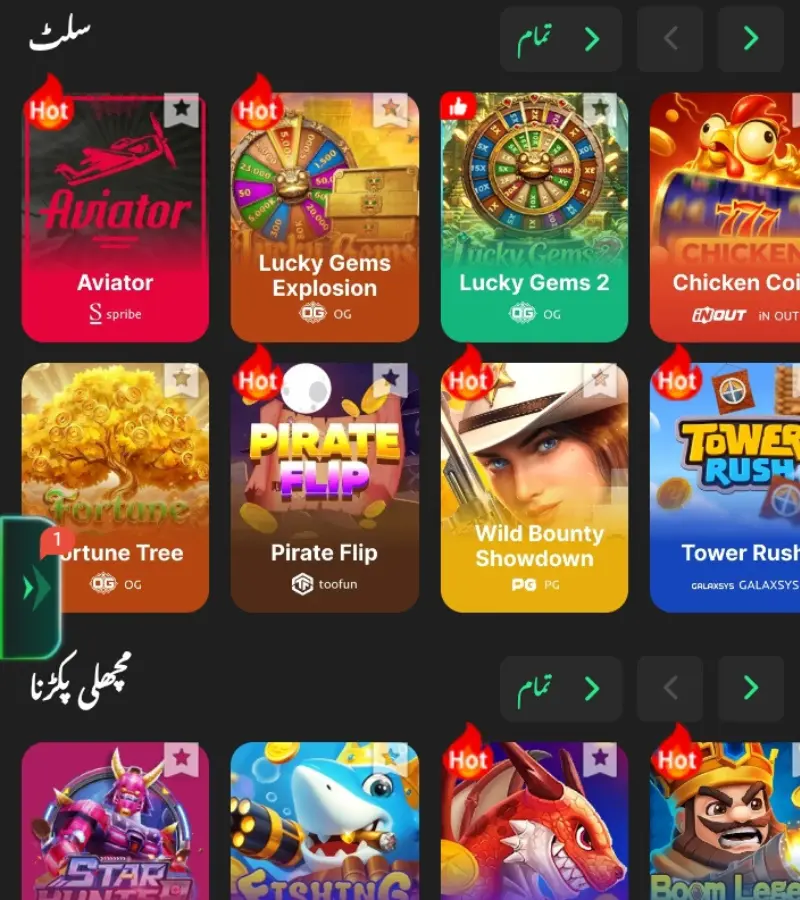
Slot Games
The slot section displays available titles in an organized game library, allowing users to browse different options and select a game directly from the category.
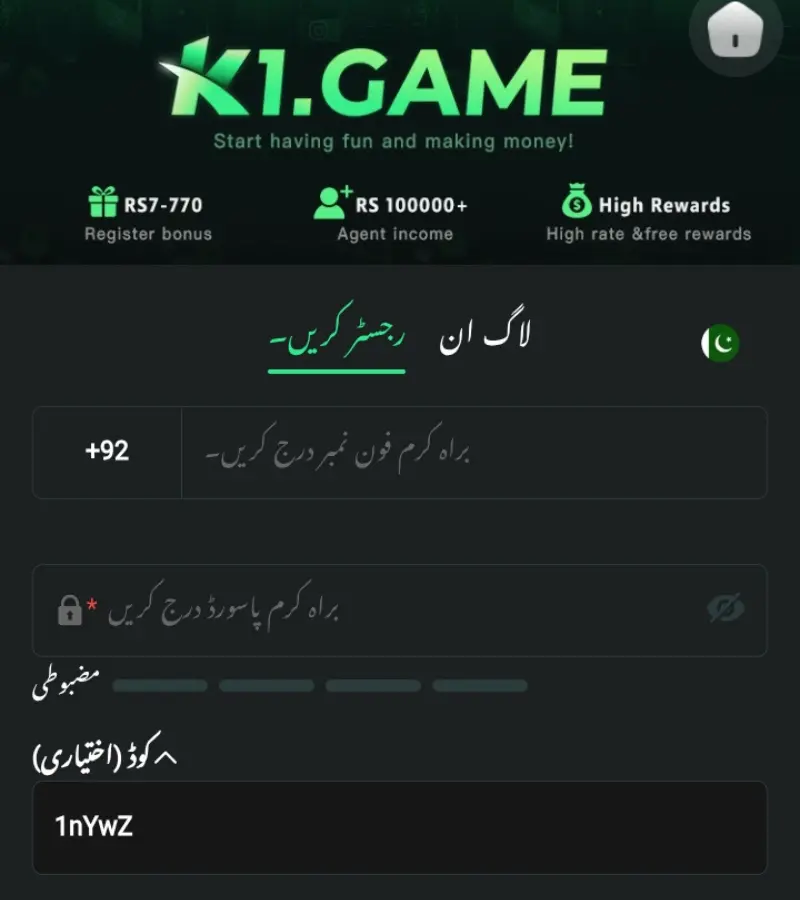
Registration
The registration screen allows new users to enter the required account details and follow the available steps to create a K1 Game account.
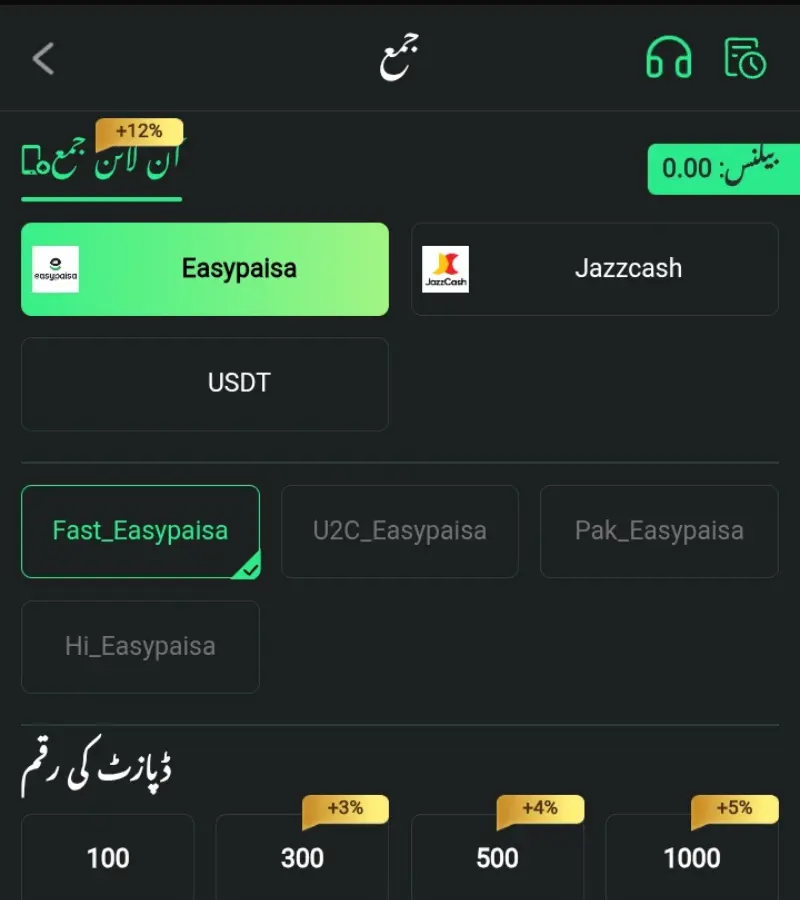
Deposit
The K1 Game deposit screen shows available payment methods, deposit amounts, and related transaction details.
How to Download K1 Game APK
Downloading K1 Game APK on Android requires obtaining the APK file before installation. Follow these steps to download the application and prepare it for setup on your device.
01
Visit the Download Page
Open the K1 Game APK page on GameVersePK and review the app information, features, screenshots, and installation guidance before downloading the file.
02
Tap the Download Button
Select the Download K1 Game APK button to continue to the available download source. Check that you are downloading the intended K1 Game application before proceeding.
03
Download the APK File
Start the APK download and allow the file to finish completely. Avoid closing the browser or interrupting the connection while the download is in progress.
04
Locate the Download
Once completed, open your device’s Downloads folder or File Manager and locate the K1 Game APK file. The file is now ready for installation.
Explore more Android gaming options with our 388Win APK guide, covering its features, screenshots, download steps, and installation process.
How to Install K1 Game APK
After downloading K1 Game APK, Android may require permission to install an application obtained outside the Play Store. Follow these steps to complete the installation on your device. For additional guidance on Android security and app installation, refer to the official Android Help documentation.
01
Locate the Downloaded APK
Open your device’s Downloads folder or File Manager and find the downloaded K1 Game APK file. Make sure the download has completed before opening it.
02
Open the APK File
Tap the downloaded APK file to begin the installation. Android may display a security prompt if installation permission has not previously been enabled for that source
03
Allow Installation from Unknown Sources
If prompted, enable Install Unknown Apps for the browser or File Manager being used. Return to the APK file after granting the required permission.
04
Complete the Installation
Follow the on-screen instructions and wait for the installation to finish. Once installed, open K1 Game and review the application before creating or accessing an account.
Safety Tips & Responsible Use
APK installation and real-money gaming both require careful decisions. Before using K1 Game APK, check the source of the installation file, review requested permissions, protect your account information, and understand the platform’s payment and gaming terms.
Download from a Reliable Source
Download K1 Game APK only from a source you trust. Avoid modified or unfamiliar APK files, as they may contain unwanted changes or create security risks for your device.
Review App Permissions
Check the permissions requested during and after installation. Only grant access that appears necessary for the application, and review permissions later through your Android settings.
Keep the App Updated
Install the latest available version when updates are released. Updates may include security improvements, bug fixes, performance changes, and compatibility improvements for supported Android devices.
Protect Your Device
Use a strong screen lock, keep Android updated, and protect your login credentials and verification codes. Avoid sharing sensitive account or payment information with unknown websites or individuals.
Frequently Asked Questions
These answers cover common questions about K1 Game APK, including its current version, Android installation, game categories, Urdu interface, account access, and APK safety.
Related Games
If you’re exploring more Android casino applications, you may also be interested in these popular APKs available on GameVersePK.

388Win APK
Explore 388Win APK with slots, mini games, card games, sports, Android features, screenshots, and a complete download and installation guide.
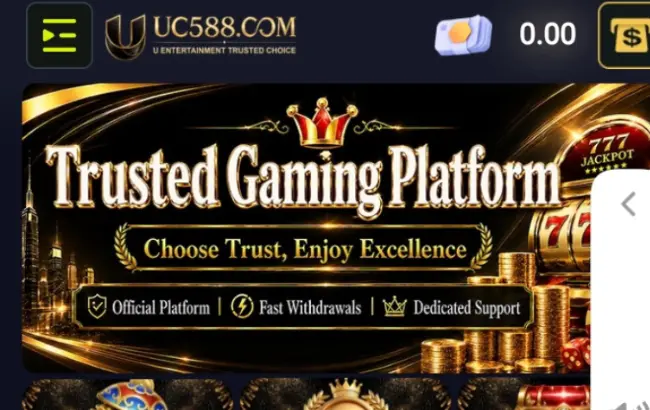
UC588.com APK
Explore UC588.com APK with casino games, slots, Android features, screenshots, and a complete download and installation guide.

Tojays Bet APK
Explore Tojays Bet APK with multiple game categories, Android features, screenshots, and a complete download and installation guide.
Ready to Download K1 Game APK?
Download the latest version for Android and explore its features, screenshots, installation guide, safety recommendations, and frequently asked questions in one complete resource.